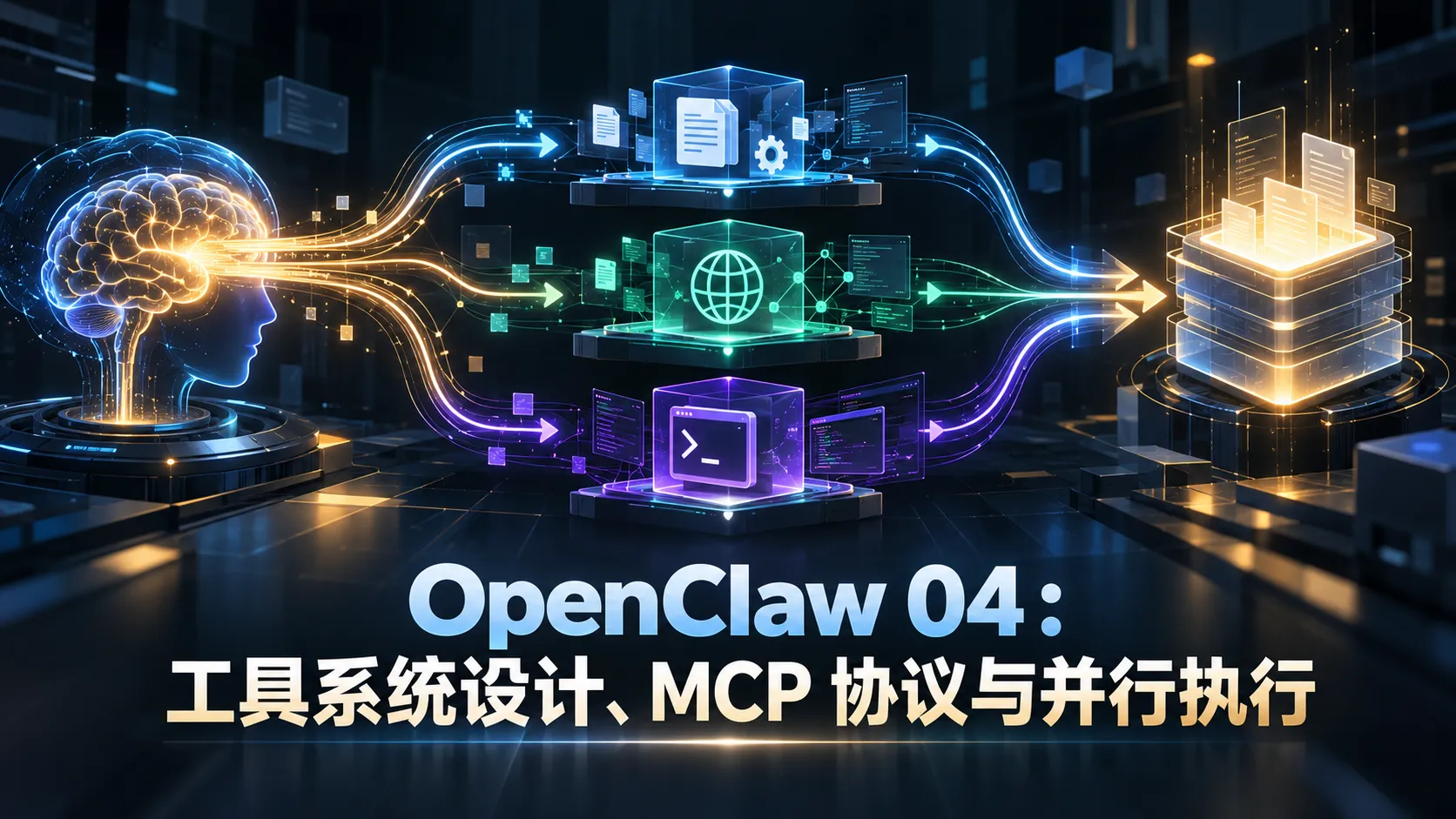
自主 Agent 的能力边界完全由工具(Tools)决定。如果说 LLM 是大脑,那么工具就是 Agent 与物理文件系统、网络以及外部服务交互的手和脚。
在很多开源 Demo 中,开发者习惯为各种琐碎功能都写一个专用工具,导致 Agent 启动时携带 20 到 30 个工具。在真实代码工程中,工具越多,LLM 的决策空间就会呈指数级膨胀,进而导致工具误用与幻觉。
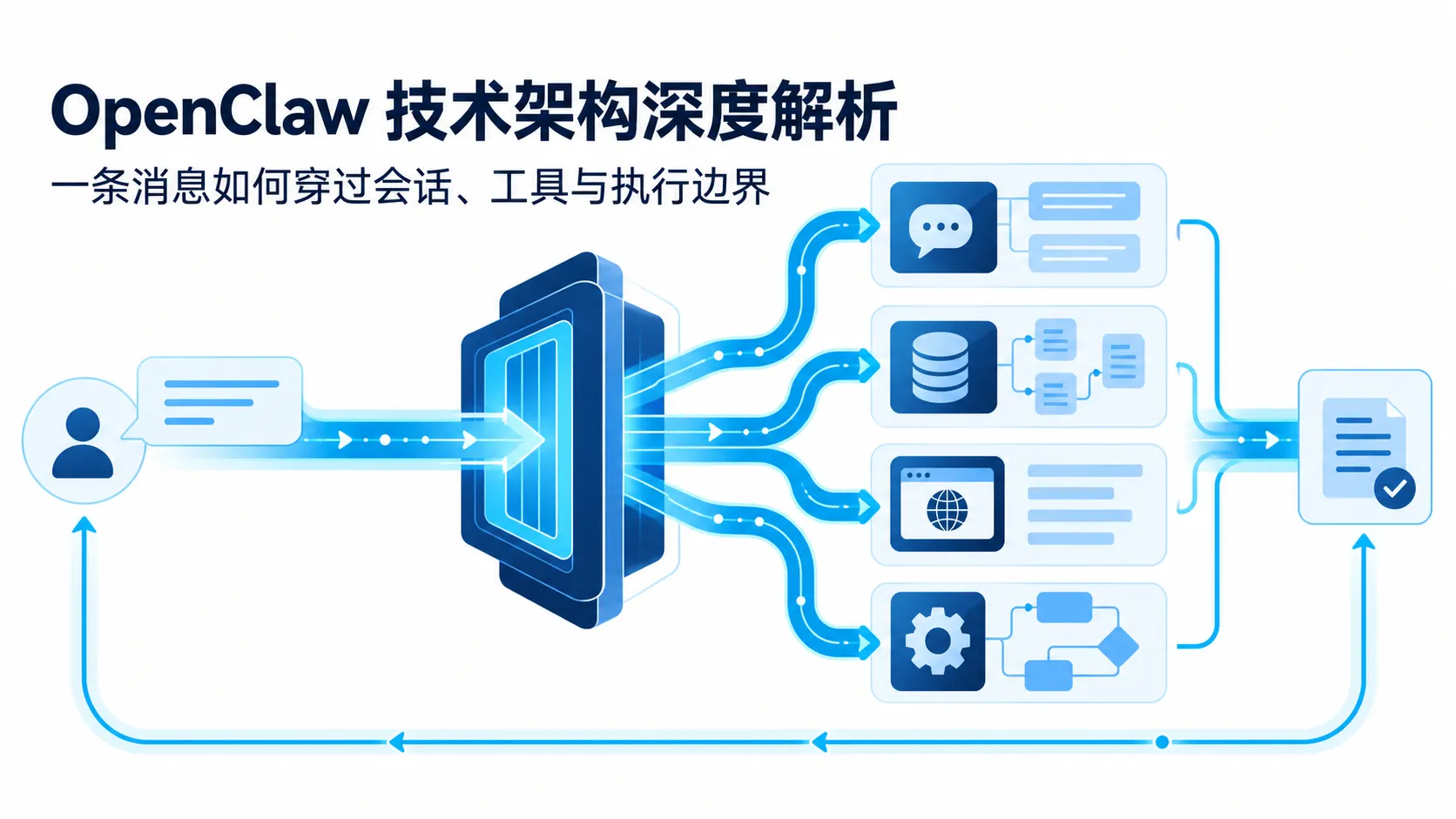
Pi 与 OpenClaw 将工具系统划分为三个清晰层次:内置核心工具(进程内) 、MCP Server(跨进程标准协议) 与 Skills(动态能力包) 。本文详细拆解其架构实现与安全边界。
内置工具的设计原则:少即是多 Pi 的核心内置工具刻意精简到了 8 个以内:
工具名
核心职责
关键设计细节
Read 读取文件
必须支持 offset(起始行)与 limit(行数),严禁大文件全量灌入上下文
Write 写入/覆盖文件
适合新建文件或完整模版生成
Edit 精确替换代码
基于 old_string 到 new_string 的原子替换,若未命中唯一目标直接报错
Bash 运行终端命令
设置硬超时控制(默认 30s)与标准输出截断保护
Grep 正则搜索代码
基于 ripgrep,返回匹配行号及前后 2 行上下文
Find 查找文件路径
支持 Glob 模式与忽略 .git、node_modules
WebFetch 获取网页文本
强制实施内网 SSRF 防护校验
Agent 派生子 Agent
上下文隔离的独立子任务代理
为什么必须削减工具数量? 在早期实验数据中,将工具从 20 多个削减到 8 个核心工具后,复杂任务的一次性完成率反常提升了近 15% 。
其工程原因在于决策空间维度:每多一个工具,LLM 就多一份参数定义需要理解;多步链条下的选择空间是 $N^L$($N$ 为工具数,$L$ 为步数)。不仅如此,Bash 本身就是一个图灵完备的万能工具 ,只要提供安全的 shell 执行环境,git 提交、目录创建、依赖安装和测试运行都不需要定制独立小工具。
工具定义标准:TypeScript JSON Schema Pi 内置工具统一采用强类型 Schema 声明:
1
2
3
4
5
6
7
8
9
10
export interface ToolDefinition <TArgs = any , TResult = any > { name : string description : string parameters : { type : 'object' properties : Record <string , any > required ?: string [] } execute : (args : TArgs Promise <TResult > }
以最常用的文件读取工具 Read 为例:
1
2
3
4
5
6
7
8
9
10
11
12
13
14
15
16
17
18
19
20
21
22
23
24
25
26
27
28
29
import * as fs from 'fs/promises' import { ToolDefinition } from './types' export const readTool : ToolDefinition <{ file_path : string offset ?: number limit ?: number }> = { name : 'Read' , description : '读取指定文件的文本内容。对大型文件必须指定 offset 和 limit 参数,只检索需要的行范围。' , parameters : { type : 'object' , properties : { file_path : { type : 'string' , description : '待读取文件的绝对路径或相对工作区路径' }, offset : { type : 'integer' , description : '起始行号(从 1 开始,可选)' }, limit : { type : 'integer' , description : '读取的最大行数(可选)' } }, required : ['file_path' ] }, execute : async ({ file_path, offset = 1 , limit = 200 }) => { const raw = await fs.readFile (file_path, 'utf-8' ) const lines = raw.split ('\n' ) const startIdx = Math .max (0 , offset - 1 ) const endIdx = limit ? startIdx + limit : lines.length const sliced = lines.slice (startIdx, endIdx) return sliced.map ((line, idx ) => `${startIdx + idx + 1 } \t${line} ` ).join ('\n' ) } }
工具的并行执行与依赖判断 当 LLM 在单轮返回多个工具调用时(例如同时读取 package.json、tsconfig.json 和 src/index.ts),串行等待会成倍拉长延迟。
Pi 的 Agent 循环默认采用 Promise.all 进行并行调度:
1
2
3
4
5
6
7
8
9
10
11
12
13
14
15
16
17
18
19
20
21
22
23
24
25
26
27
28
29
30
31
32
33
34
35
36
37
38
39
40
41
export async function executeToolCalls ( toolCalls : ToolCall [], toolsMap : Map <string , ToolDefinition >, sequential = false Promise <ToolResult []> { const executeSingle = async (call : ToolCall ): Promise <ToolResult > => { const tool = toolsMap.get (call.name ) if (!tool) { return { toolCallId : call.id , content : `Error: Tool '${call.name} ' not found.` , isError : true } } try { const output = await tool.execute (call.arguments ) return { toolCallId : call.id , content : typeof output === 'string' ? output : JSON .stringify (output) } } catch (err : any ) { return { toolCallId : call.id , content : `Execution error: ${err.message} ` , isError : true } } } if (sequential) { const results : ToolResult [] = [] for (const call of toolCalls) { results.push (await executeSingle (call)) } return results } return Promise .all (toolCalls.map (executeSingle)) }
何时需要串行(Sequential)? dist/build.js,工具 B 立即读取该构建产物)。但在实践中,现代 LLM 如果意识到依赖关系,通常会在第一轮只发起写操作,等待返回确认后再在下一轮发起读操作。
MCP(Model Context Protocol)协议桥接 MCP 是跨语言、跨进程扩展 Agent 能力的行业标准。它将工具执行与主 Agent 逻辑解耦:
  flowchart LR
    A["Agent 主进程 (TypeScript)"] -->|JSON-RPC over stdio| B["MCP Server: GitHub (Node)"]
    A -->|JSON-RPC over stdio| C["MCP Server: Postgres (Python)"]
    A -->|JSON-RPC over HTTP| D["远程集群微服务 (Go)"]
进程管理桥接器 在 OpenClaw 中,McpChannelBridge 负责拉起子进程并通过标准输入输出实现 JSON-RPC 通信:
1
2
3
4
5
6
7
8
9
10
11
12
13
14
15
16
17
18
19
20
21
22
23
24
25
26
27
28
29
30
31
32
33
34
35
36
37
38
39
40
41
42
43
44
45
import { spawn, ChildProcess } from 'child_process' import * as readline from 'readline' export class McpProcessBridge { private child : ChildProcess private requestId = 0 private pending = new Map <number , { resolve : (val : any void ; reject : (err : any void }>() constructor (command : string , args : string [] this .child = spawn (command, args, { stdio : ['pipe' , 'pipe' , 'inherit' ] }) const rl = readline.createInterface ({ input : this .child .stdout ! }) rl.on ('line' , (line ) => { try { const json = JSON .parse (line) if (json.id && this .pending .has (json.id )) { const { resolve, reject } = this .pending .get (json.id )! this .pending .delete (json.id ) if (json.error ) reject (new Error (json.error .message )) else resolve (json.result ) } } catch (e) { } }) } async sendRequest<T = any >(method : string , params : Record <string , any > = {}): Promise <T> { const id = ++this .requestId const message = JSON .stringify ({ jsonrpc : '2.0' , id, method, params }) + '\n' return new Promise ((resolve, reject ) => { this .pending .set (id, { resolve, reject }) this .child .stdin !.write (message) }) } async listTools ( return this .sendRequest ('tools/list' ) } async callTool (name : string , args : Record <string , any > return this .sendRequest ('tools/call' , { name, arguments : args }) } }
选型决策:什么时候用 MCP?
操作场景
推荐选型
核心考量
本地文件读写、修改 内置工具
性能第一,零跨进程 IPC 损耗
数据库/内部微服务查询 MCP Server
独立容器化隔离,已有成熟社区服务可复用
GitHub / Jira 协同 MCP Server
鉴权逻辑解耦,避免向主 Agent 暴露全局私钥
简单命令与脚本测试 Bash 内置工具
单行命令解决,不需要为每项 CLI 编写专属服务
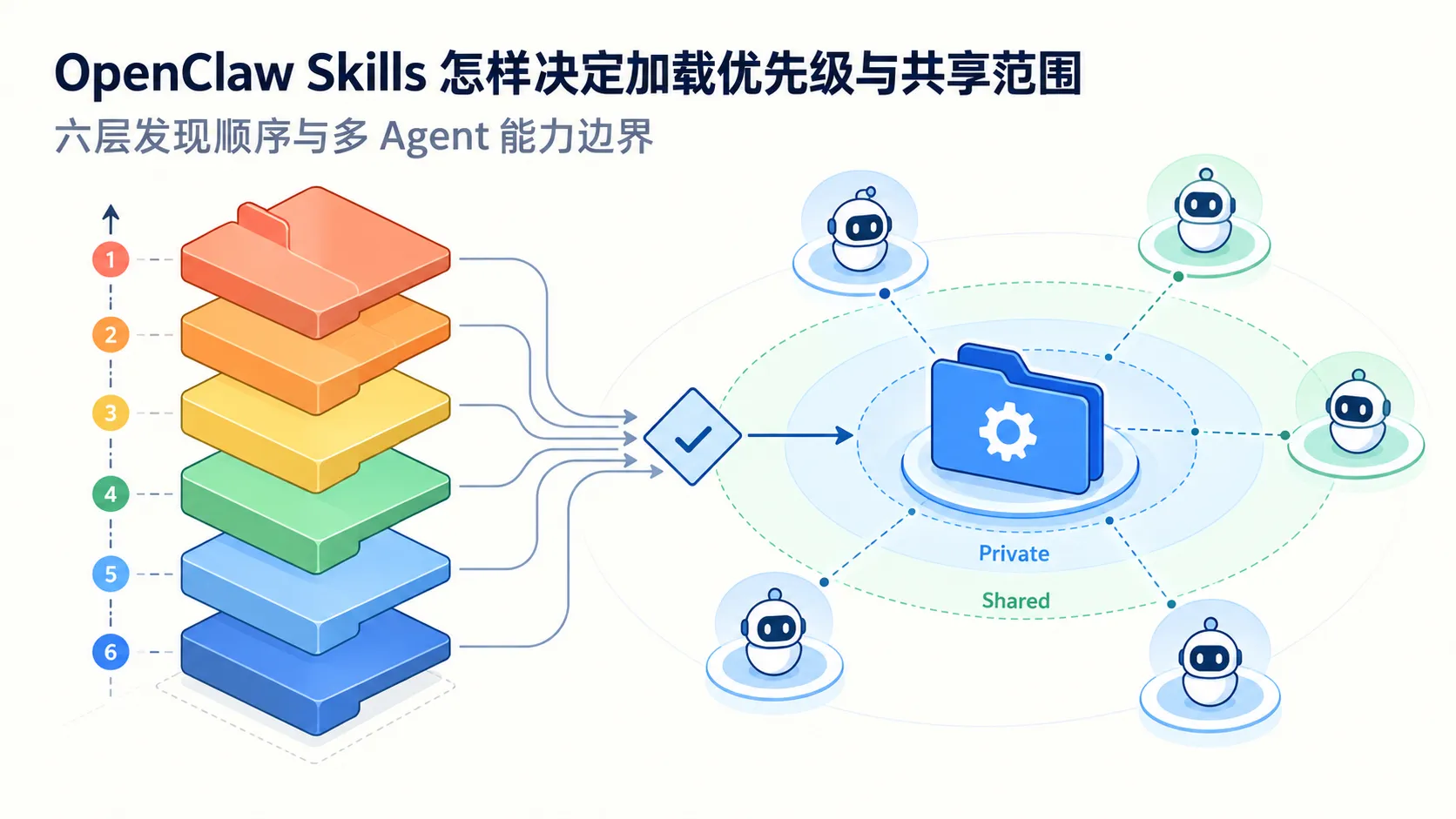
Skills 与 SKILL.md 动态能力包 Skill 是介于“单个原子工具”与“独立子 Agent”之间的结构化组织方式。它包含特定的提示词偏置、触发条件与专属工具。
Pi 与 OpenClaw 均支持基于 SKILL.md 规范的定义:
1
2
3
4
5
6
7
8
9
10
11
12
13
14
15
16
17
18
19
20
--- name: security-audit description: 审计当前工程中潜在的注入漏洞、敏感配置泄露与高危依赖 triggers: - "安全审计" - "security audit" - "检查漏洞"tools_required: - Read - Grep - Bash --- # 安全审计操作准则 你是资深安全研发工程师。当触发本技能时,执行以下检查规程: 1. 使用 Grep 扫描源码中的硬编码密钥、私钥、Token; 2. 检查 SQL 执行语句是否使用了参数化查询,防止 SQL 注入; 3. 检查 WebFetch 工具调用的入参是否做了内网 IP 阻断; 4. 输出格式必须严格标明:[严重级别] 文件名:行号 - 缺陷描述 - 修复代码建议。
Agent 在启动时扫描 Skills 目录建立索引。只有当用户指令命中触发词时,对应的 prompt 与工具才会动态注入;执行完毕后自动卸载,避免主 Agent 上下文被专业规程过度挤占。
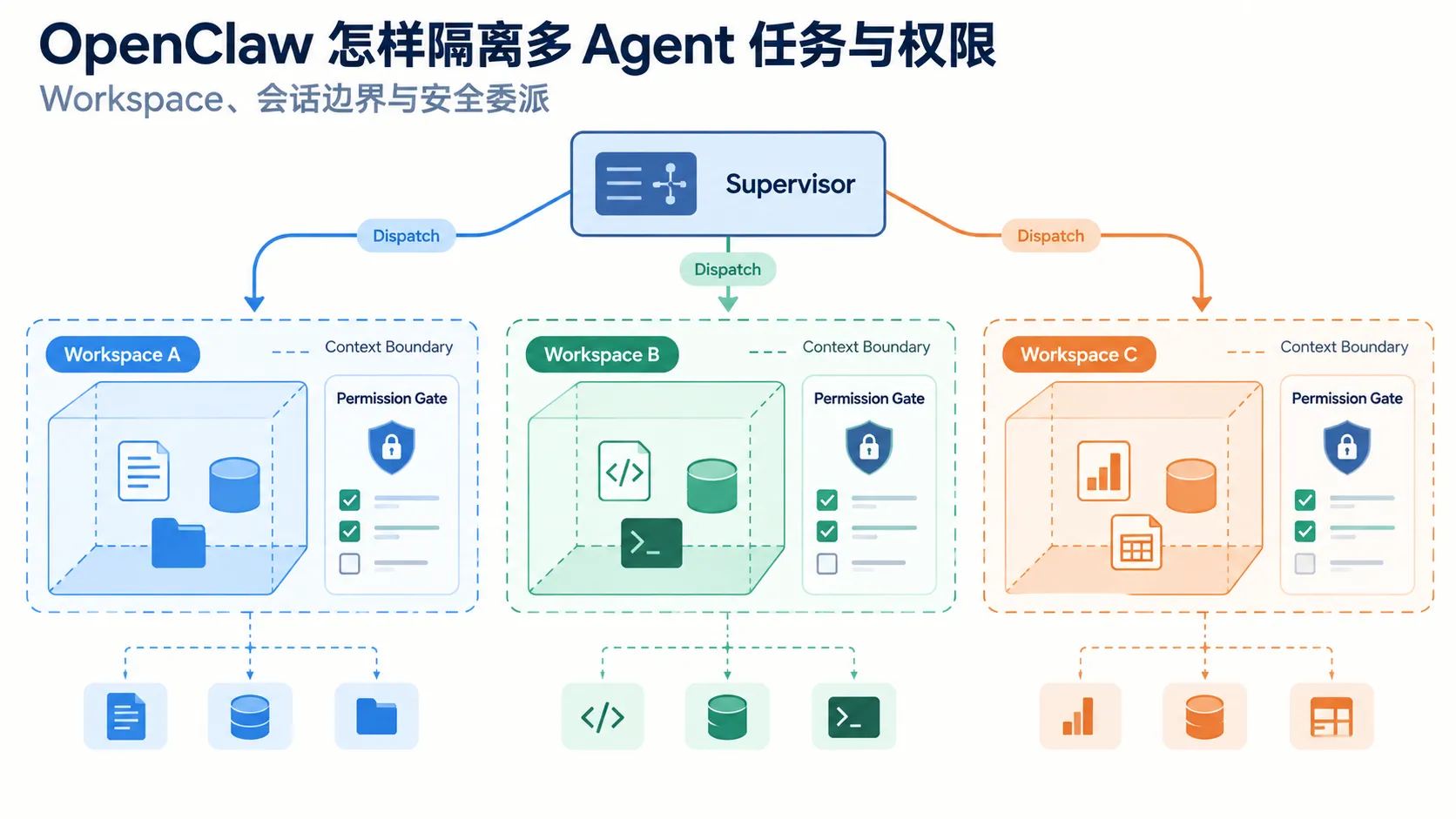
四层纵深安全防护架构 任何赋予终端或写权限的 Agent 都必须预设攻击防护策略。OpenClaw 的防护分为四层:
  flowchart TD
    L1["Layer 1: 命令过滤与静态 DenyList"] --> L2["Layer 2: 渠道身份签名 (Ed25519)"]
    L2 --> L3["Layer 3: 渐进式权限等级 (Level 0 ~ 3)"]
    L3 --> L4["Layer 4: 沙箱容器与临时文件系统 (Docker/tmpfs)"]
1. 命令级 DenyList 拦截危险命令(如 rm -rf /、sudo、反弹 shell 与管道执行远程脚本):
1
2
3
4
5
6
const FORBIDDEN_PATTERNS = [ /rm\s+-rf\s+\// , /sudo\s+/ , /curl.*\|\s*sh/ , /chmod\s+777/ ]
2. SSRF 严格防护 在 WebFetch 请求前解析目标 IP,禁止访问保留私网网段(10.0.0.0/8、172.16.0.0/12、192.168.0.0/16 及 127.0.0.1):
1
2
3
4
5
6
import * as dns from 'dns/promises' export async function isPrivateAddress (hostname : string Promise <boolean > { const { address } = await dns.lookup (hostname) return /^(10\.|192\.168\.|172\.(1[6-9]|2[0-9]|3[0-1])\.|127\.)/ .test (address) }
3. 工具权限等级逐步提升 1 2 3 4 5 tool_levels: level_0: [Read , Grep , Find ] level_1: [Read , Grep , Find , Edit , Write ] level_2: [Read , Grep , Find , Edit , Write , Bash ] level_3: ['*' ]
总结 工具系统的工程核心在于克制与解耦 :
用精简的 8 个内置原子工具覆盖 90% 的本地代码读写需求;
用标准 MCP 协议扩展异构服务与第三方生态;
用 Promise.all 默认并行调度加速无依赖的工具调用;
建立四层安全沙箱防护,确保自主执行不突破安全底线。
下一篇我们将探讨 Agent 最关键的记忆机制:ContextEngine 记忆架构与 Dreaming 系统 。